
Embed a Free AI Quiz on Your Website
Add an interactive Real vs AI quiz to any blog, article or website — for free. Choose a category, copy the iframe code, and paste it anywhere that accepts HTML. No account, no API key, no JavaScript setup required.
Why Add a Quiz to Your Content?
Increase time on page
Interactive content keeps readers engaged significantly longer than text alone. A quiz mid-article gives readers a reason to pause and interact.
Illustrate AI detection articles
Writing about AI-generated images or deepfakes? Let readers experience the challenge firsthand instead of just reading about it.
Complement educational content
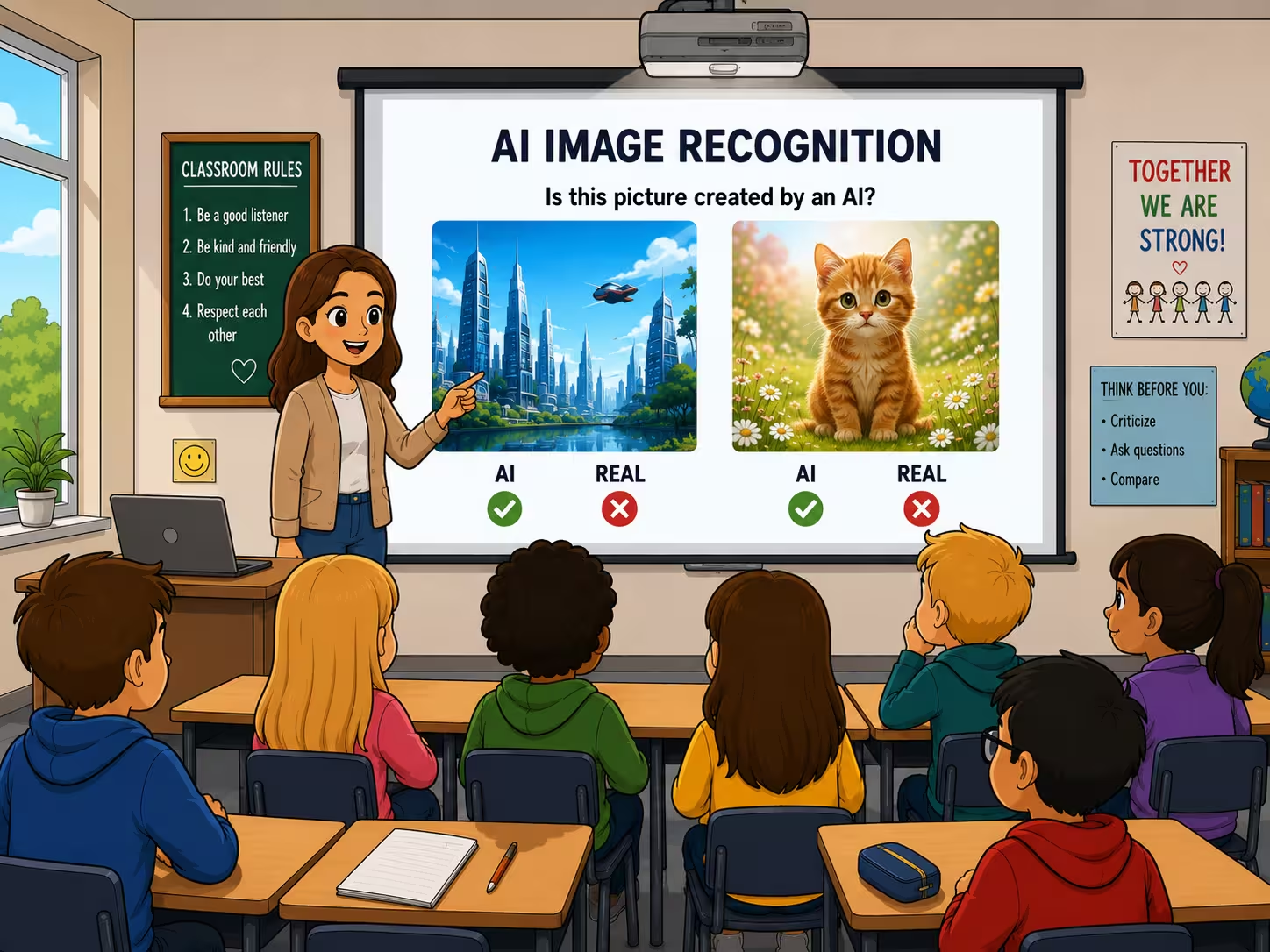
Teachers, trainers and journalists covering AI literacy can embed a live quiz directly into lesson materials or articles.
Drive social shares
Quizzes are highly shareable — readers who score well (or badly) tend to share results. A well-placed quiz increases the chance of organic distribution.
How It Works — 3 Steps
Configure the quiz below
Choose quiz type (images or videos), select a category and adjust the height.
Copy the embed code
Click the Copy button — the iframe snippet is now in your clipboard.
Paste into your website
Works in WordPress (Custom HTML block), Ghost (code card), Webflow (embed element), Squarespace, Wix, Notion, Substack and any HTML field.
Configure Your Embed
Live Preview
Updates as you configureFree to use. No sign-up required. Please keep the "Powered by WhichOneIsReal" badge visible inside the embed.
What's Included in the Embed
Works With Your CMS
…and many more. Any CMS or site builder that accepts an HTML block or an iframe works, for example Joomla, Drupal, Shopify, Blogger or Google Sites.
Frequently Asked Questions
Is the embed free to use? ▾
Yes — completely free. No account, no API key and no payment required. Copy the iframe code and paste it. The only requirement is keeping the "Powered by WhichOneIsReal" badge visible.
Does it work on WordPress? ▾
Yes. In the block editor (Gutenberg), add a Custom HTML block and paste the code. In the classic editor, switch to the Text tab and paste it there. The quiz resizes automatically to fit the column width.
Will it slow down my website? ▾
No. The iframe uses loading="lazy" — it only loads when the user scrolls near it. It has no effect on your page's initial load time or Core Web Vitals score.
Can I pick which category appears? ▾
Yes. Use the Category dropdown above to choose from Animals, People, Paintings, Buildings & Places, Food, Cars or Mixed. The video quiz offers Animals, People, Sport, Physics and Vehicles.
Does the embed collect data from my visitors? ▾
The quiz sets nothing on your visitors' devices — no cookies, no local storage, on your domain or ours. It records the answers themselves (which image was picked, which was real, how long it took) on WhichOneIsReal's servers, with no identifier that outlives the page and no IP address kept. Because nothing is stored on the device, embedding it adds no consent requirement to your page. Details in our privacy policy.
Play the Quizzes Yourself





Missing a mode, or have a question?
Want a category that is not listed, a custom embed, or help getting it running? Email us at info@whichoneisreal.com.