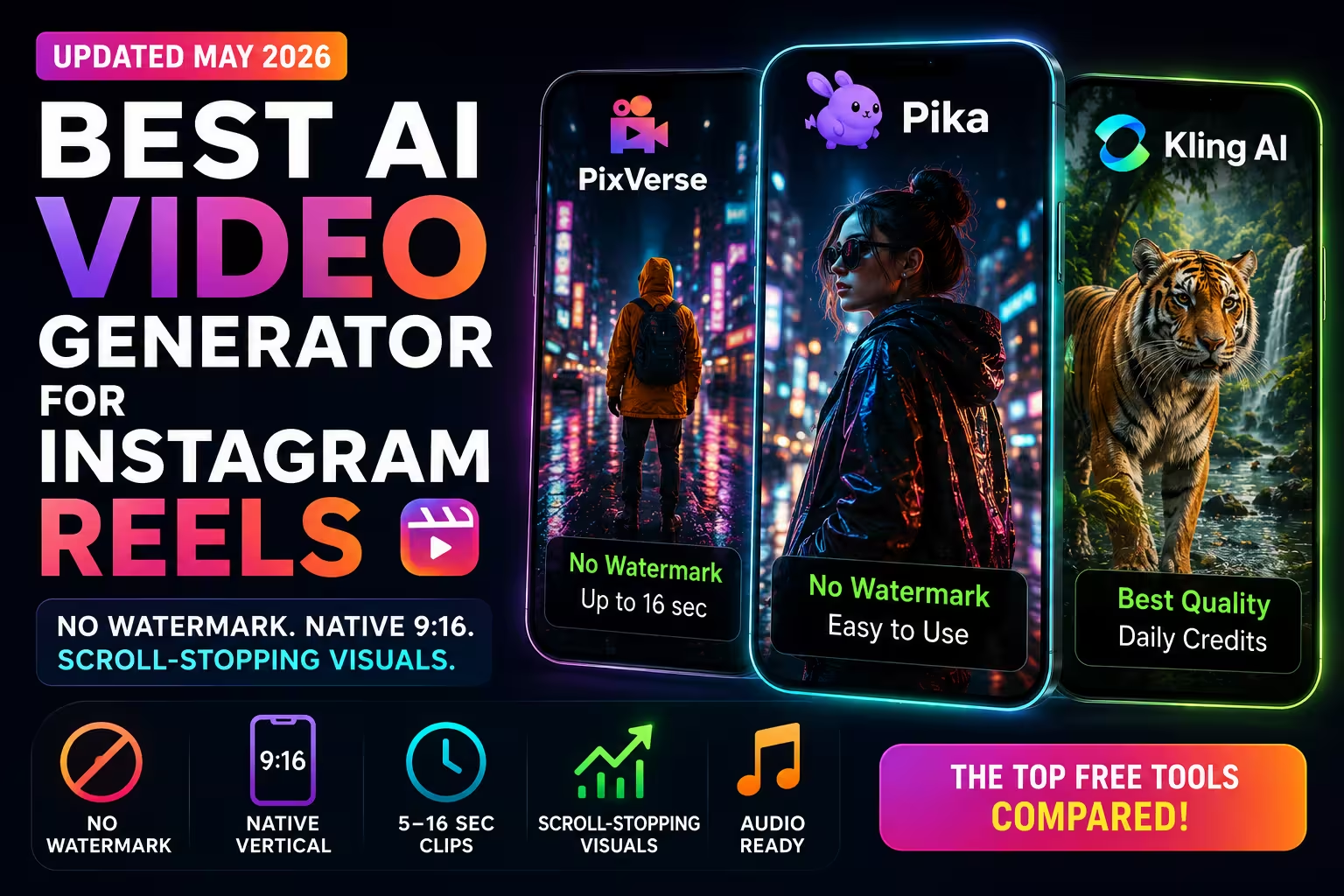
Best AI Video Generator for Instagram Reels (2026)
Disclosure: some links on this page are affiliate links — if you sign up through one, we may earn a commission at no extra cost to you. This never affects our rankings or test results.
No visible watermark, native 9:16, scroll-stopping visuals — free tools compared.
Reels in 2026 are more visual and faster-paced than ever. Anyone still posting a video with an AI tool's watermark in the corner instantly signals "low budget" — and loses the viewer's attention before the hook even lands.
This guide cuts straight to the tools that work: no visible watermark, native vertical format, and clips long enough to matter. We compared every major free AI video generator on the criteria that actually affect Reels performance.
What actually matters for Reels AI video
- ✓ No visible watermark — a tool logo in the corner screams "free software." It kills brand credibility instantly. This is the single most important filter.
- ✓ Native 9:16 vertical format — not cropped 16:9 with black bars. Real vertical output fills the screen the way Reels are meant to be watched.
- ✓ Clip length 5–16 sec — long enough for a hook, short enough to cut together. Most generators cap at 5 sec on free; a few go to 16.
- ✓ Scroll-stopping visuals — the AI has to render textures and light realistically enough that viewers pause. Generic clips don't stop the scroll.
- ✓ Audio-ready output — Reels without sound are almost invisible in 2026. Plan your clip to pair with music or voiceover; most AI video tools generate silent clips you layer audio onto.
Top Picks for Instagram Reels 2026
PixVerse
No visible watermark · ~50 initial credits · 30–60/day
Verdict: Daily credits, native 9:16 and no visible watermark on tested free output.
PixVerse offers native 9:16 and a daily credit refresh. Our tested free output had no visible watermark. The maximum free clip length is not clearly stated, so check the selected mode before publishing.
You get about 50 initial credits, then a daily refresh of 30–60 credits that starts high and steps down over the first days. The number of videos depends on the selected model and mode, but the daily refresh provides a recurring allowance for a Reels workflow. PixVerse particularly excels at scene-driven, environmental content — landscapes, cityscapes, dramatic weather. Faces and close-ups are its weaker point.
Why it works for Reels
- ✓ No visible watermark on tested free output
- ✓ Native 9:16 vertical format
- ⚠ Maximum free length not clearly stated
- ✓ Daily credit refresh
- ✓ Consistent facial rendering
Limitations
- ✗ Only 2–3 videos/day free
- ✗ Weaker on close-up faces
- ✗ Less prompt control
- ✗ Sometimes rigid on complex motion

Create a short AI clip with PixVerse. Check the current credits and export limits before you start.
Pika
No visible watermark · credit packs only · 5–10 sec
Verdict: The easiest entry point — stylized aesthetic that fits lifestyle and fashion Reels perfectly.
Pika is one of the simplest AI video tools to learn in 2026. Text-based controls are intuitive, results come in seconds, and the Free plan has no visible watermark. However, it includes 0 monthly credits, so you must buy a credit pack before generating. For lifestyle, fashion or aesthetic content, Pika's signature luminous look can be an asset.
The free plan includes the current Pika 2.5 model at 480p. On most mobile screens this reads fine, but it's noticeable on 4K displays. As of September 2026 the free plan includes 0 monthly credits, so generating requires a purchased credit pack. The "Pika glow" makes outputs immediately recognizable, but for Reels that's often a feature rather than a flaw.
Why it works for Reels
- ✓ No visible watermark
- ✓ Easiest to use — zero learning curve
- ✓ Distinctive luminous aesthetic
- ✗ No monthly free credits
- ✓ Great light rendering
Limitations
- ✗ Free generations require a credit pack
- ✗ 480p resolution on free
- ✗ Not photorealistic
- ✗ Recognizable style limits versatility
Kling AI
Watermark on free · daily credits · 5 sec
Verdict: The best output quality on the market — but the free watermark makes it unusable for professional Reels unless you pay ~$8/mo.
Kling produces videos in 2026 that are nearly indistinguishable from real footage — especially animals, fluid motion and nature scenes. The physics are exceptionally accurate and prompt adherence is strong. The problem for Reels: the free tier adds a watermark you cannot crop out cleanly. At $8/mo, the paid plan removes it and unlocks one of the best AI video tools available.
Why it works for Reels
- ✓ Best absolute video quality
- ✓ Daily credits (refresh varies)
- ✓ Excellent nature & scene realism
- ✓ Strong prompt adherence
- ✓ $8/mo removes watermark
Limitations
- ✗ Watermark on free tier
- ✗ Only 5 sec on free plan
- ✗ ~2 videos/day at 720p
- ✗ Requires paid plan to publish cleanly
Quick Comparison
| Tool | Watermark | Free videos | Max length | Best feature |
|---|---|---|---|---|
| PixVerse | ✓ No visible watermark | ~50 initial, then 30–60/day | Not clearly stated | Daily credit refresh |
| Pika | ✓ No visible watermark | 0 monthly; packs only | 10 sec | Artistic style & ease |
| Kling | Yes (free) | ≈ 2/day | 5 sec | Realism & physics |
Pro tip for 2026
Combine AI clips with CapCut for maximum retention.
Use the AI video generator for the visual hook — the first 3 seconds. A dramatic AI-generated scene stops the scroll. Then cut to real footage, screen recordings or stock video for the rest of the Reel. This hybrid approach dramatically increases retention rates compared to full AI or full real-footage videos.
FAQ
Which free AI video generator has no visible watermark?
PixVerse showed no visible watermark on free output in our review and gives about 50 initial credits followed by a 30–60 daily refresh that shrinks over the first days. Pika's Free plan is also listed without a watermark, but it includes 0 monthly credits, so generation requires a purchased credit pack. Kling adds a visible watermark to free output; Luma's public pricing lists trial credits rather than a recurring free plan.
What is the best AI video generator for Instagram Reels?
PixVerse is the strongest option for recurring free Reels because it combines a daily credit refresh, native 9:16 output and no visible watermark in our test. Pika has an approachable interface, but its Free plan now requires purchased credit packs to generate.
Can I remove the watermark from AI-generated videos for free?
You cannot cleanly remove visible watermarks from tools that add them, such as Kling, without upgrading. For a no-cost alternative, PixVerse showed no visible watermark in our test. Pika's Free plan is watermark-free but requires purchased credits to generate; Luma lists trial credits rather than a recurring free plan.
Do AI video generators support vertical 9:16 format for Reels?
Most major AI video generators now support 9:16 vertical format natively. PixVerse, Pika and Kling all support vertical output. Always verify native support rather than cropped landscape video.
The kind of clip that ends up on Reels
People, sport and vehicles carry most short-form video. Try calling them before your audience has to.


Related