Free AI Video Limits 2026: Kling 66/Day, Runway, Luma & Pika
Disclosure: some links on this page are affiliate links — if you sign up through one, we may earn a commission at no extra cost to you. This never affects our rankings or test results.
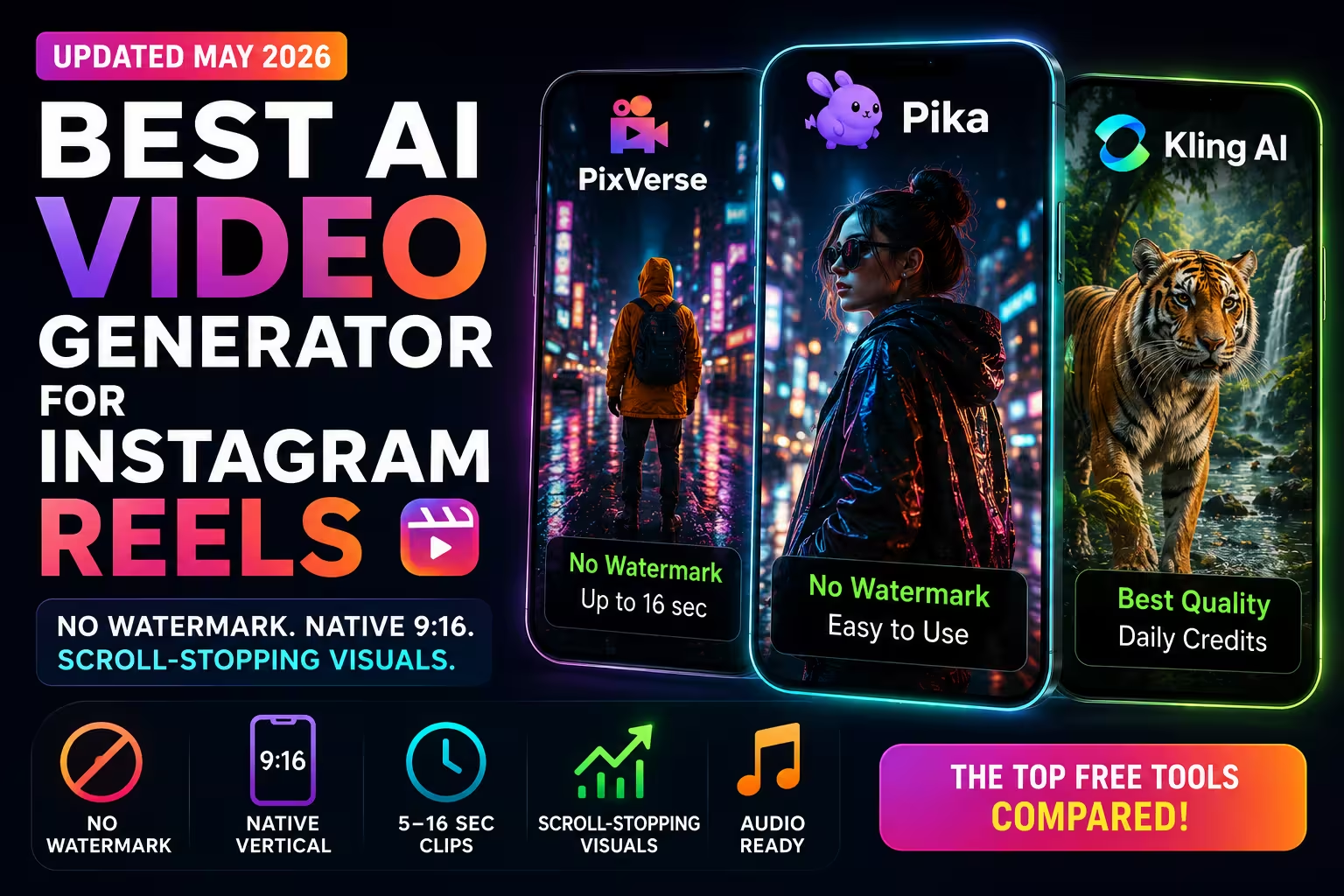
How many free videos do you actually get? Some tools now offer only trials or paid credit packs. We documented the current allowances — Kling AI (66 credits/day ≈ 2–6 videos depending on quality), Luma (trial credits on paid plans), Pika (no monthly free credits, credit packs only), Runway (125 one-time), Hailuo (150-credit signup offer) and PixVerse (about 50 initial, then 30-60 credits/day). Most no-cost output carries a visible watermark. PixVerse showed none in our review; Pika's Free plan is also watermark-free, but generation requires purchased credits.
Quick Comparison
← Swipe to see all columns
| Tool | Free Videos | Max Length | Watermark |
|---|---|---|---|
 Kling AI ↗ Kling AI ↗
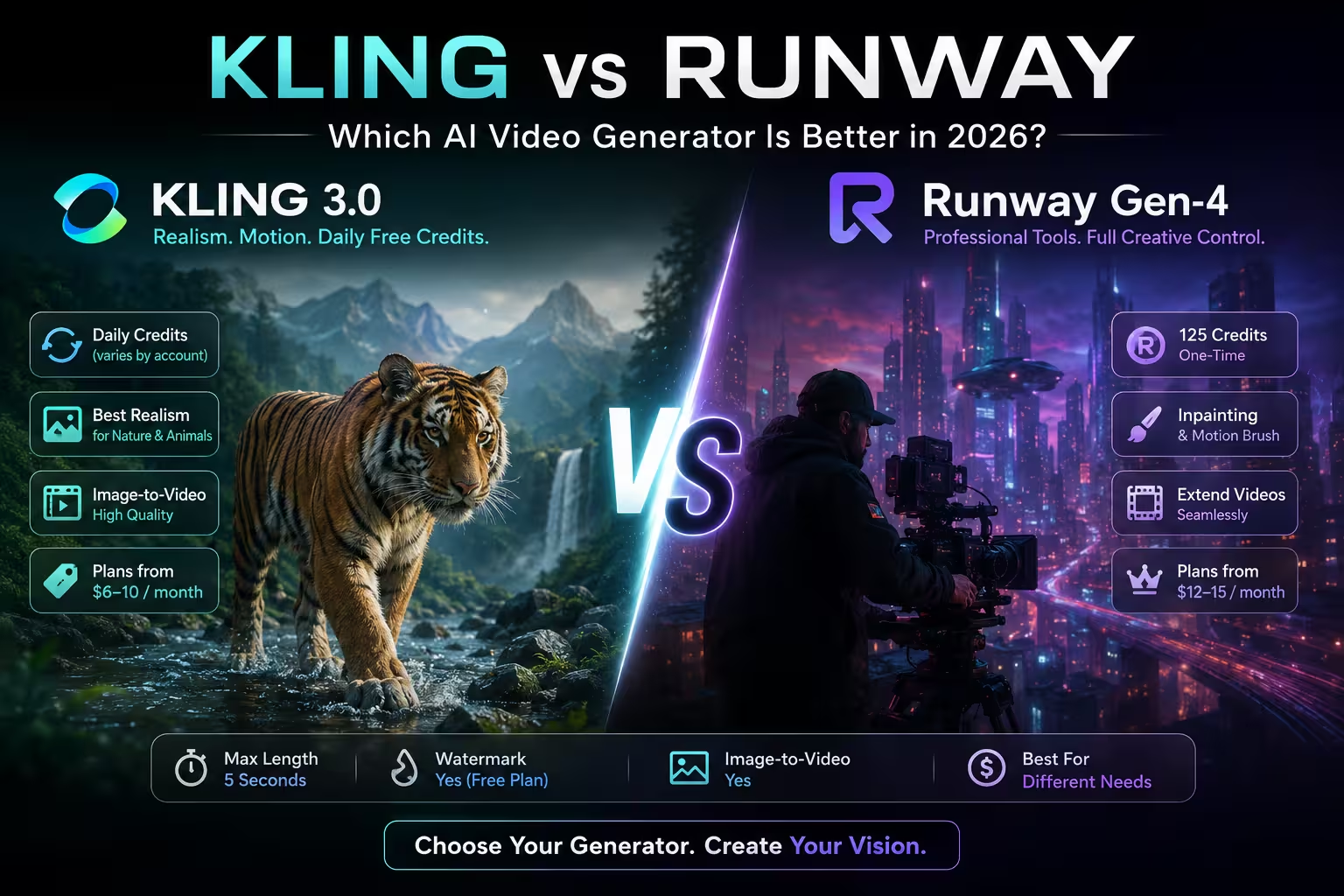
| 66 credits/day (≈ 2 videos at 720p) | 5 sec | Yes |
 Hailuo AI ↗ Hailuo AI ↗
| 150-credit signup offer (video count varies) | Varies by settings | Yes |
 Luma AI ↗ Luma AI ↗
| Trial credits (public pricing lists paid plans only) | Trial terms not public | Verify in trial export |
 Pika ↗ Pika ↗
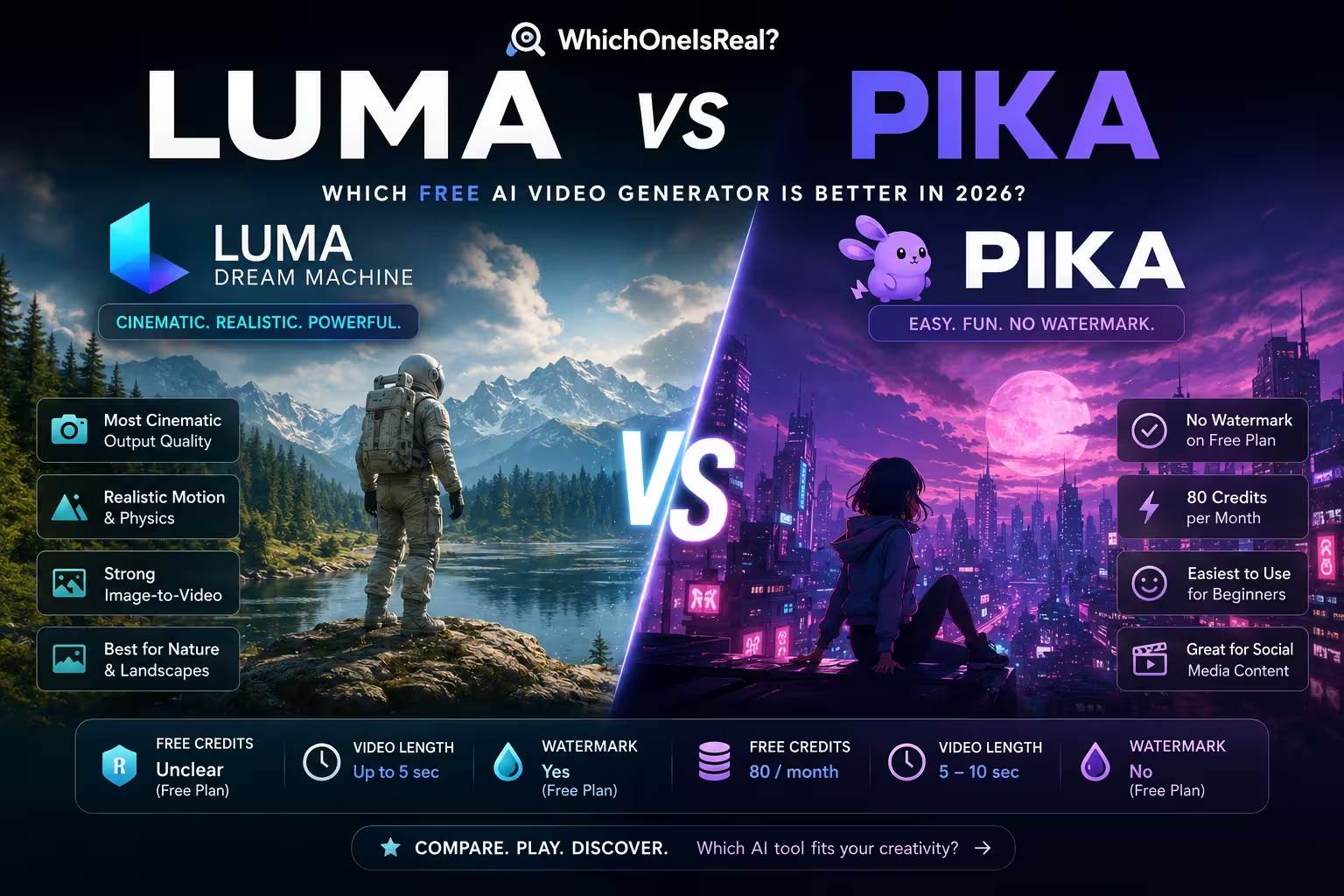
| 0 monthly credits (credit packs only) | Varies by mode | No ✓ |
 Runway ↗ Runway ↗
| 125 credits (one-time, no refresh) | 5 sec | Yes |
 PixVerse ↗
Affiliate link PixVerse ↗
Affiliate link | ~50 initial, then 30–60/day (≈ 1–2 videos) | Not clearly stated | No visible watermark ✓ |
 Sora Sora
| Standalone app shut down Apr 2026 · Videos API/models removed Sep 2026 | — | — |
Account and credit requirements vary by tool. Limits are approximate and subject to change. Higher resolution = fewer videos per credit. Last updated: September 2026; Kling's hard allowance was last checked in August 2026.
Tool Profiles
Sora
Sora was OpenAI's standalone video generation platform. In April 2026, OpenAI shut down the Sora app and website. On September 24, 2026, OpenAI removed the Videos API and Sora 2 models from the API, and its deprecations table lists no recommended API replacement.
The likely motivation: video inference is extremely expensive at scale, the standalone credit model struggled to convert free users to paid plans, and competitors like Kling 3.0 and Google Veo closed the quality gap. For free AI video generation, Sora is no longer an option — it appears here for reference only.
Kling AI
Kling AI by Kuaishou is one of the most capable video generators available on a free plan. Kling 3.0 consistently ranks at the top of independent model benchmarks for realistic human motion, accurate physics simulation and cinematic quality. If you need a video of a person walking, a liquid pouring, or an object interacting with an environment, Kling handles these better than almost any free-tier alternative.
The free tier provides 66 credits per day (reduced from 166 in earlier versions), which resets daily and does not roll over. At 720p (roughly 33 credits per 5-second video), that works out to approximately 2 videos per day. Lower resolutions yield more videos per credit. Expect 30–40% generation failures during peak hours, which further reduces usable output. Free videos are 5 seconds at 720p with a watermark. The interface is clean and available in English, despite the platform being China-based.
Kling also supports image-to-video (animating a still image) and camera movement controls on the free plan — features that competitors often lock behind paid tiers.
- Top-tier motion realism
- Image-to-video on free plan
- Camera movement controls
- 720p quality free
- Only ~6 videos/day (66 credits)
- Visible watermark
- Phone number required for signup
- Queue times can be long
Luma AI — Ray3.2
Luma AI's current Ray3.2 model is known for smooth camera movement and high visual fidelity. If you need a cinematic dolly shot, a slow zoom, or a fluid transition between scenes, Luma handles camera dynamics better than most competitors.
Luma's public pricing lists paid plans starting at $30/month and says trial credits are included; it does not list a recurring free plan. The company's model information names Ray3.2 as current and Dream Machine as deprecated. Trial output may be useful for evaluation, while ongoing generation requires a paid plan. Ray3.2 produces realistic lighting and scene composition, particularly for architectural scenes, landscapes and product-style footage.
Luma also offers a loop feature — generating seamlessly looping videos — which is useful for background animations, social media content and demo reels. Availability depends on the current plan and trial terms.
- Excellent camera movement
- High visual fidelity
- Loop generation feature
- Strong on architectural / landscape
- No recurring free plan listed
- Trial limits and export terms are not transparent
Pika
Pika is one of the most approachable AI video tools for beginners. The interface is polished and guides you through the generation process with visual prompts and style suggestions. Pika produces fluid, visually clean output — particularly good for character animation, product demos and short social media clips.
As of September 2026, the free plan includes 0 monthly credits; generating requires a credit pack (from $50 for 3,000 credits). Pika also supports "Pikaffects" — specific visual effects like exploding objects, melting or adding weather to existing images. These creative tools work on the free plan and set Pika apart from more production-focused competitors.
The Free plan is listed without a visible watermark, but it includes 0 monthly credits, so output still requires a purchased pack. Duration and resolution vary by generation mode and current credit pricing. The Discord community is active and useful for prompt tips.
- Beginner-friendly interface
- Pikaffects creative tools
- No visible watermark on free plan
- Good for character animation
- No monthly free credits (credit packs only)
- Duration and resolution vary by mode
Hailuo AI
Hailuo AI (by Chinese AI lab MiniMax) is particularly strong at generating videos of people — face expressions, lip sync and portrait-style footage. If your use case involves human subjects, Hailuo consistently outperforms competitors on the free tier.
Hailuo currently displays a 150-credit signup offer. The number of videos varies by model, duration, resolution and the current credit rate. Generated videos carry a watermark on no-cost access. The platform also supports "Subject Reference" — uploading a face photo to generate personalised video content — available at limited capacity on the free plan.
Hailuo's output tends to be slightly more stylised than Kling or Sora — cinematic and polished rather than documentary-realistic. For narrative or character-driven content, this is a strength.
- Best for portrait & face video
- Currently displayed 150-credit signup offer
- Subject reference feature
- Cinematic output style
- Visible watermark
- Refresh terms not documented here
- Less known in Western markets
Runway
Runway is one of the oldest AI video platforms and has a strong reputation in the professional video editing world. New accounts receive 125 free credits as a one-time allowance. The exact number of videos depends on the model and settings; after the credits run out, the free plan does not replenish them.
Gen-4.5 is Runway's current flagship, but it is not clearly included in the free tier. Runway's strength on the free plan is its suite of additional tools: background removal, motion blur, inpainting and frame interpolation — features that go beyond raw text-to-video. These make it valuable for post-production workflows even at the free tier.
All free-tier videos include a Runway watermark. The platform targets creative professionals more than casual users — the interface reflects this, offering more control and more complexity.
- Rich editing tools on free plan
- Professional-grade output
- Established platform with track record
- Strong image-to-video
- 125 credits one-time only (no refresh)
- Visible watermark
- Steeper learning curve
- Expensive paid plans
PixVerse
PixVerse excels at world-building and scene-driven content — sprawling landscapes, fantasy environments, cinematic establishing shots. If you want to generate a video that feels like a full scene rather than just a moving subject, PixVerse handles environmental composition better than most competitors. The free tier starts with about 50 credits. The daily refresh begins near 60 and steps down over the following days to roughly 30.
PixVerse V6 is the current model and includes multiple style presets. Our free test output had no visible watermark. The maximum free clip length is not clearly stated. We broke the credit maths down separately in what the PixVerse free tier actually gets you.
- 30–60 credits/day after ~50 initial credits
- No visible watermark on tested free output
- Strong world-building & environments
- Style templates for quick starts
- Maximum free clip length not clearly stated
- Weaker on close-up faces/people
- Less prompt control
Try PixVerse → Affiliate link
Which Tool Is Right for You?
I want to generate as many videos as possible for free
→ Kling AI (66 credits/day, daily refresh) or evaluate Hailuo's currently displayed 150-credit signup offer
I want the most realistic motion quality
→ Kling AI (best human motion + physics) or Luma AI (best camera movement)
I need to generate video of people / faces
→ Hailuo AI (best face & portrait video, subject reference)
I need cinematic camera shots and smooth movement
→ Luma AI (dolly shots, zooms, orbits) or Runway (professional controls)
I'm new to AI video and can buy generation credits
→ Pika (guided interface, style suggestions and Pikaffects; no free monthly credits)
I need video editing tools alongside generation
→ Runway (background removal, inpainting, frame interpolation on free plan)
Free Limits & Watermarks Explained
How Free Credits Work
Daily refresh models — Kling AI (66 credits/day ≈ 2 videos at 720p) and PixVerse (30–60 credits/day after about 50 initial credits) replenish credits every 24 hours. Credits do not roll over. Higher resolution = fewer videos per credit. For Kling specifically — how the daily reset behaves, what each mode costs and where the limits bite — see the full breakdown of Kling's free tier.
Signup offers and one-time credits — Hailuo currently displays a 150-credit signup offer; the exact video count and refresh terms depend on the current account offer and settings. Runway gives 125 credits once on signup, with video count varying by model and settings. Both are best treated as evaluation allowances rather than assumed recurring access.
Trial or paid access — Luma's public pricing lists trial credits on paid plans, not a recurring free plan. Pika's Free plan includes 0 monthly credits and runs on purchased credit packs (no visible watermark).
Video length and resolution limits — where no-cost generation exists, short clips and lower resolutions are common. Exact limits depend on model and settings; higher resolutions and longer durations generally require paid access.
The Watermark Situation
Most AI video tools add a visible watermark to free-tier output. PixVerse showed no visible watermark on tested free output. Pika's Free plan is also listed without a watermark, but it includes 0 monthly credits, so generation requires a purchased credit pack.
When a tool adds a watermark to no-cost or trial output, it is typically a small logo in the corner. For personal experiments this may be acceptable; for commercial video or client work, verify the current license and export terms.
If you are evaluating whether to subscribe, most platforms offer monthly billing with no commitment — testing a paid month to complete a specific project is often the practical approach.
Video Quality Ranking Across Entry Options
🏆 Top Motion Quality
- 1. Kling AI (human motion, physics)
- 2. Luma AI (camera movement)
- 3. Hailuo (portrait, faces)
- 4. PixVerse (style templates)
🎯 Best for Beginners
- 1. Pika (guided interface)
- 2. PixVerse (style templates)
- 3. Kling AI (clear UI)
- 4. Luma AI (camera controls)
Frequently Asked Questions
Which AI video generator has the most free videos per day? ▾
Kling AI provides 66 free credits per day (approximately 2–6 videos depending on resolution) — the highest daily quota of any active platform as of August 2026. Sora's standalone app was shut down in April 2026 and is no longer available. Hailuo currently displays a 150-credit signup offer; the resulting video count varies by model and settings. PixVerse starts with about 50 credits and refreshes 30-60 daily, decreasing over the first days. PixVerse showed no visible watermark in our review. Pika's Free plan also has no watermark, but now requires purchased credit packs to generate.
Are there any AI video generators that don't add a visible watermark for free? ▾
Yes. PixVerse showed no visible watermark on free output in our review. Pika's Free plan also has no watermark, but it includes 0 monthly credits, so generation requires a purchased credit pack. Kling, Runway and Hailuo add a visible watermark to no-cost output; Luma lists trial credits rather than a recurring free plan.
What is the best free AI video generator in 2026? ▾
For recurring no-cost access, compare Kling and PixVerse; PixVerse showed no visible watermark in our review. Runway offers a one-time signup allowance, while Hailuo currently displays a 150-credit signup offer whose refresh terms are not documented here. Luma's public pricing lists trial credits rather than a recurring free plan, while Pika requires purchased credit packs despite calling the account tier Free.
How long can AI-generated videos be on free plans? ▾
No-cost and trial limits vary by tool, model and settings. Short clips are common, while higher resolutions and longer durations generally require more credits or paid access. Check the current generation screen before starting a project.
Can I use free AI-generated videos commercially? ▾
Terms vary by tool. Runway allows commercial use of free-tier outputs. Pika's Free plan has no visible watermark, but it includes neither generation credits nor a commercial license; commercial licensing starts with the $35/month Creator plan. Always check each platform's current terms of service before publishing AI videos commercially, as these terms change frequently.
What is the difference between Kling AI and Luma AI? ▾
Kling AI (by Kuaishou) emphasizes realistic motion and currently advertises recurring credits. Luma's current model is Ray3.2; its public pricing lists paid plans with trial credits and calls Dream Machine deprecated. Luma is therefore a trial/paid alternative rather than a recurring free-tier option.
Which AI image to video generator is free with no sign up? ▾
None of the tools listed here clearly offers image-to-video generation without an account. Kling and Luma require accounts. Pika also requires sign-in and purchased credits before you can generate on its Free plan.
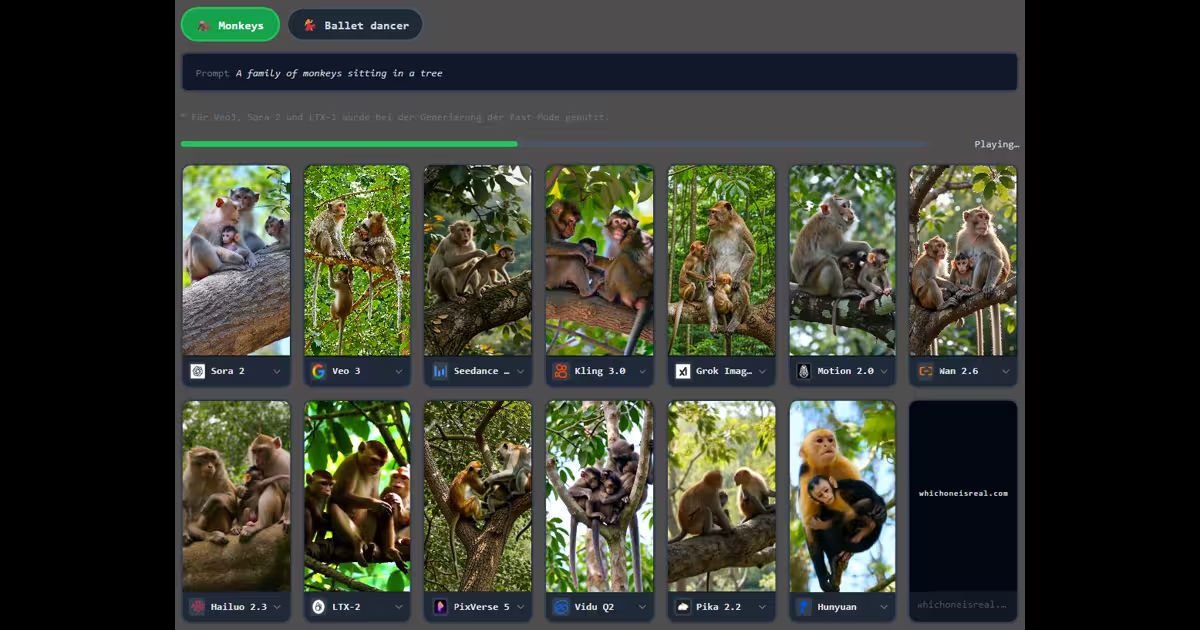
Can you spot which video is AI-generated?
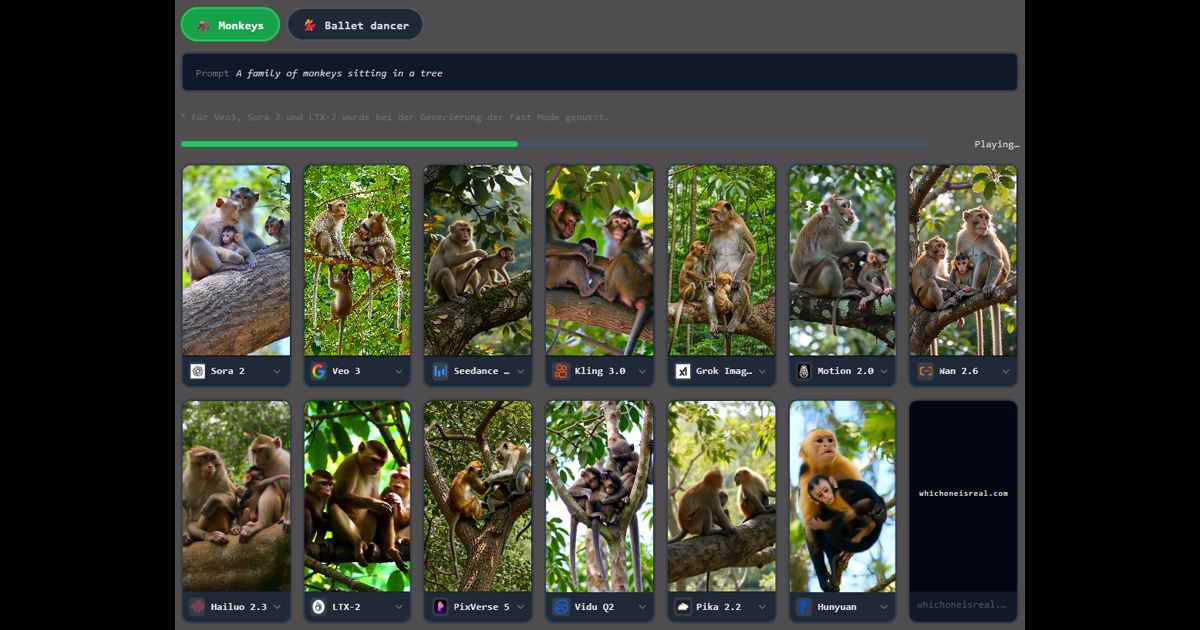
Every free tier on this page produces exactly this kind of short clip. See whether you can pick them out — or read how to detect AI-generated images first, for the artefacts these generators leave behind.

Related