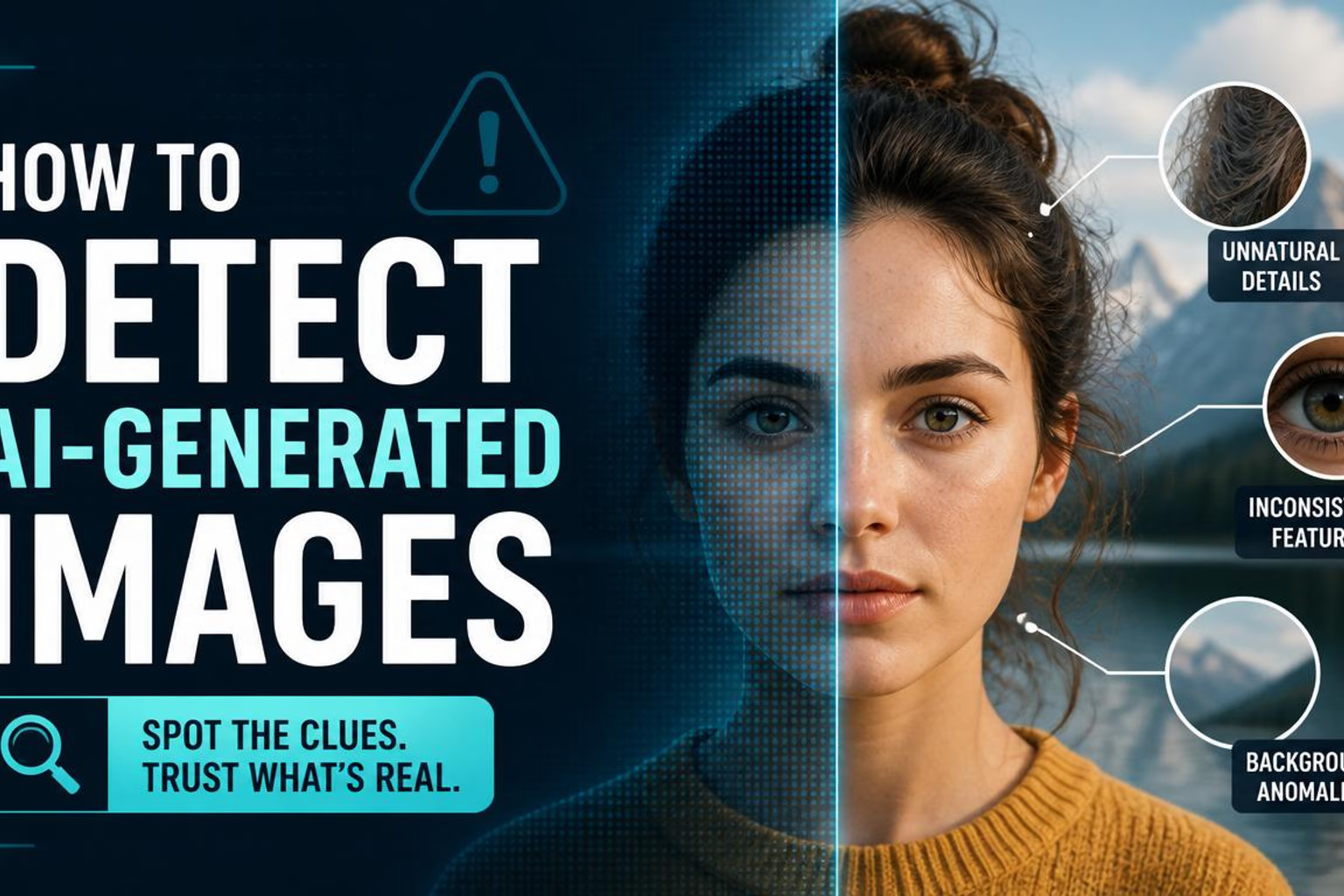
If harmful AI-generated content appears in your feed, report the harm—not simply the fact that AI was used. A synthetic image, voice or video may be allowed when it is labelled and harmless. It becomes a reporting issue when it impersonates someone, enables a scam, depicts intimate abuse, harasses a person or breaks a platform’s rules for misleading synthetic media.
The safest sequence is:
- Do not repost it. A warning quote-post still gives the content more reach.
- Save the source and context. Record the URL, account, time and surrounding claim.
- Choose the reason that describes the harm. “Scam” or “impersonation” is usually more useful than a generic complaint about AI.
- Use a specialist route when necessary. Privacy, intimate-image abuse and financial fraud often have dedicated forms or services.
This guide covers the current reporting paths on YouTube, Instagram, Facebook and TikTok. Menus can vary by device, app version and country, so follow the closest current label if your screen differs. The paths and policies below were checked against official sources on September 12, 2026.
First: AI-generated does not automatically mean prohibited
The major platforms separate two decisions that are easy to confuse:
- Disclosure or labelling: telling viewers that realistic content was generated or altered with AI.
- Enforcement: restricting or removing content because it violates a rule.
Every platform draws that line itself. In short:
 YouTube
- Creators must disclose realistic altered or synthetic content in specified circumstances
- YouTube may add a label itself
 TikTok
- Labels required for realistic AI-generated content
- Separately prohibits certain harmful or deceptive uses

 Meta
Meta- Disclosure required for photorealistic video or realistic-sounding audio
- May apply “AI info” labels from disclosure or technical signals
- Other Community Standards decide whether content stays up
A label and a rule violation are different things: the first describes how something was made, the second decides whether it may stay.
That means an AI landscape, parody or clearly fictional animation is not automatically reportable. A fake video asking people to send money, a cloned voice posing as a family member or a sexual deepfake of a real person is different. Start with what the content does.
Reporting earns its keep when a person is the target
Almost every report worth filing has a person on the receiving end. A synthetic sunset misleads nobody; a synthetic claim about somebody can cost them their money, their job or their safety. Before you open a report form, ask who is harmed:
- A named person is impersonated — their face, their voice, their name on an account they do not control.
- A false claim is attached to a real person — something they supposedly said, did or endorsed.
- A person is targeted sexually or abusively — intimate imagery, harassment, threats.
- Someone is being defrauded — a cloned figure of trust asking for money, credentials or access.
If you cannot name who is harmed, a report is usually the wrong tool, and platforms treat it accordingly: they enforce against the harm, not against the use of a generator. Purely aesthetic complaints (“this is obviously AI”) dilute the queue that real victims depend on.
Save useful evidence without amplifying the post
Before reporting, capture enough context for a reviewer—or later, a bank, specialist service or investigator—to understand the problem.
- Copy the direct post or video URL.
- Record the account handle and profile URL.
- Note the date, time and where you encountered it.
- Take a screenshot that includes the claim, caption and account—not only the image.
- Write one sentence explaining the harm: for example, “This account uses a synthetic video to impersonate our CEO and request payment.”
- Save messages, transaction references or threat details if fraud or blackmail is involved.

Do not reshare the content merely to collect reactions or ask whether other people think it is fake. If intimate imagery is involved, do not download, forward or ask someone to send you a copy. The National Center for Missing & Exploited Children’s Take It Down service explicitly tells users not to share or download an image in order to submit it.
How to report AI-generated content on YouTube
For a YouTube video, sign in, open the video, select the More menu below it, choose Report, select the reason that best matches the violation and add any requested detail or timestamp. YouTube’s official content-reporting guide also covers Shorts, comments, playlists, thumbnails and channels.
Use the most specific route available:
- Scam or malicious link: report the video under the closest spam, scam or deceptive-practices reason. YouTube’s spam and deceptive-practices policy applies regardless of whether AI produced the media.
- A channel posing as a person or organisation: report the channel for impersonation and include the original account it copies. See YouTube’s impersonation policy.
- A realistic AI version of your face or voice: use YouTube’s privacy complaint form. YouTube’s identity guidance says it considers whether the content is realistic, whether the person is uniquely identifiable, whether it is disclosed as synthetic, and whether parody, satire or public-interest factors apply. The complaint normally needs to come from the affected person or their authorised representative.
A missing synthetic-content label is not the same as proof of fraud. YouTube’s “Disclosing use of GenAI content” guidance explains when creators must disclose and when YouTube may apply a label. If the video also impersonates someone, steals money or violates privacy, lead with that concrete harm.
How to report AI-generated content on Instagram
On Instagram, open the post or Reel, use its options menu, choose Report, and follow the questions shown. Instagram’s official reporting guide links the current routes for posts, profiles and other surfaces.
Choose a reason that matches what happened:
- report a fake profile through the profile menu and the dedicated Instagram impersonation route;
- use scam or fraud for synthetic endorsements, investment pitches or payment requests;
- use privacy, nudity or sexual-exploitation routes for non-consensual intimate imagery;
- use bullying or harassment when the synthetic media targets a person abusively.
Do not rely on an “AI info” label as a safety judgment. A label describes how content may have been made; it does not tell you whether the account, caption or request is truthful.
How to report AI-generated content on Facebook
For a Facebook post, open its options menu, choose Report post, select the option that best describes how it violates the Community Standards, and continue with Next. Pages, profiles, photos and videos have their own routes in Facebook’s Report Content help page.
Again, report the underlying violation:
- a cloned celebrity promoting an investment scheme is a suspected scam;
- a fake profile using a real person’s identity is impersonation;
- a fabricated sexual image is an intimate-image or privacy issue;
- a manipulated claim about voting may fall under election-related misinformation rules.
Meta explains its approach to false and altered claims in its Misinformation Community Standard and separately documents its AI-content labelling approach. Reporting does not guarantee removal: content may be labelled, shown to fewer people, restricted or removed depending on the rule and review outcome.
How to report AI-generated content on TikTok
For a TikTok post, open the post, select Share, choose Report, select a reason, and submit the requested details. TikTok maintains separate official instructions for reporting a post and reporting an account.
If an account copies you or someone else, use TikTok’s impersonation reporting process. For a single harmful post, report the post as well as the account when both are relevant.
TikTok’s AI-generated content guidance explains creator labelling and links it to the platform’s Edited Media and AI-Generated Content (AIGC) rules. An undisclosed realistic deepfake can be relevant, but a more specific reason—such as impersonation, fraud, harassment or sexual exploitation—gives the reviewer clearer context when that harm exists.
Policy timing: TikTok’s updated Integrity and Authenticity guideline took effect on September 24, 2026. Its Edited Media and AI-Generated Content (AIGC) section requires creators to label AI-generated or significantly edited content that shows realistic-looking scenes or people; unlabeled content may be removed, restricted or labeled, and even labeled content is not allowed when it misleads on matters of public importance or harms individuals.
Pick the report reason by harm
The production method is only one fact. The useful report reason describes the risk to a person, their privacy, their money or the public. When several labels appear plausible, use this order:
- Immediate personal harm: intimate imagery, threats, exploitation or privacy.
- Identity abuse: impersonation of a real person, business or public body.
- Financial harm: scam, fraud, phishing or malicious links.
- Targeted abuse: harassment, bullying or hateful conduct.
- Misleading synthetic media: use the platform’s misinformation or manipulated-media route when its rules cover the claim.
- Disclosure only: use an AI-label or undisclosed-synthetic-content option when no stronger violation applies and that option is available.
Do not submit five contradictory reports hoping one will stick. A concise report with the direct URL and the clearest applicable reason is easier to review.
When a platform report is not enough
Platform reporting is one layer, not emergency response or victim support.
If money or account access is at risk
Contact the bank, card issuer or payment service immediately. Change compromised credentials through the official app or website—not a link in the suspicious message. In the United States, ReportFraud.ftc.gov accepts reports about fraud, scams and bad business practices and shares report data with law enforcement; it does not resolve individual reports.
If intimate images are involved
- The image was taken when the person was under 18: Take It Down creates a hash on the device, so the image itself does not need to be uploaded. It works with participating public or unencrypted platforms.
- The person was 18 or older in the image and is currently an adult: StopNCII.org offers a similar hash-based tool for participating companies.
Synthetic intimate imagery can still cause real abuse even when the depicted event never happened. Preserve the page URL and threats, but do not circulate the image as evidence.
If someone faces immediate danger
Contact the appropriate local emergency service. Do not wait for a platform moderation queue.
What to do after you report
- Save the confirmation or case number if the platform provides one.
- Block or mute the account when doing so is safe.
- Tell the impersonated person or organisation privately through a verified channel.
- If the post is already widespread, share a correction that links to reliable evidence rather than embedding the original.
- Recheck the report later; use an appeal or specialist form if the first route clearly misunderstood the issue.
Most importantly, separate verification from enforcement. You may be unable to prove which model created a file, yet still have clear evidence that an account is impersonating someone or requesting money. Conversely, proving that an image is AI-generated does not by itself prove that it violates a rule.
Frequently asked questions
Can I report a post just because it was made with AI?
Usually not. AI generation by itself is not necessarily a rule violation. Report the specific harm or policy issue, such as impersonation, fraud, non-consensual intimate imagery or prohibited misleading content.
Which reporting reason should I choose for an AI deepfake?
Choose the reason that describes the harm, not merely the production method. That might be impersonation, scam or fraud, privacy, intimate imagery, harassment or misleading information, depending on the content and platform.
What evidence should I save before reporting AI-generated content?
Save the post URL, account name, date and time, a screenshot that includes the surrounding context, and a short note explaining the harm. Do not download or redistribute intimate imagery to create evidence.
Will a platform remove every AI-generated post I report?
No. A report asks the platform to review content against its rules; it does not guarantee removal. Some realistic AI content may be labelled rather than removed when it does not violate another policy.
What should I do if an AI image or voice clone is being used to impersonate me?
Report the post and account for impersonation, preserve the relevant URLs and context, and use any dedicated privacy or impersonation form the platform provides. For urgent threats, fraud or intimate-image abuse, also use the appropriate specialist or law-enforcement channel.
The rule to remember
Save the source. Name the harm. Use the specific route. Do not amplify it.
If you want to practise the wider verification process before the next suspicious post reaches you, take the free Spotting AI Fakes (Basic). It turns source checks, reverse image search, detector limits, reporting and factual responses into one repeatable workflow.
Official sources
- YouTube: Disclosing use of altered or synthetic content
- YouTube: Report inappropriate content
- YouTube: Privacy complaints for realistic altered or synthetic likenesses
- Meta: Misinformation Community Standard
- Meta: Labelling AI content
- Instagram: Report content
- Facebook: Report content
- TikTok: About AI-generated content
- TikTok: Report a post
- TikTok: Integrity and Authenticity guideline
- NCMEC: Take It Down
- StopNCII.org
- Federal Trade Commission: ReportFraud.ftc.gov