If you have seen an image online and wondered whether AI created it, SynthID can sometimes give you a strong answer. Google embeds an invisible watermark into content generated by products such as Gemini and Imagen, and partners including OpenAI, NVIDIA and Kakao use the same watermark. Since 7 October 2026, anyone can check for it with Google’s SynthID Detector.
But SynthID is not a universal AI-image detector. It cannot identify images from Midjourney, Stable Diffusion or any other model that does not add the watermark. Most importantly, a negative result does not prove that an image is real.
This guide explains how to run a SynthID check, what the result means and where Content Credentials fit into the same verification workflow.
What SynthID actually is
SynthID embeds a watermark directly into the pixels of an image rather than relying on ordinary file metadata. The pattern is designed to be imperceptible to people but detectable by Google’s system. Google says the image and video watermarks are designed to remain detectable after common changes such as cropping, filters and lossy compression.
That durability is what makes the technology useful. Ordinary EXIF data can disappear when a platform re-encodes an upload or when somebody takes a screenshot. A signal distributed through the image may survive changes that remove attached information. “Designed to survive” is not the same as indestructible, however: sufficiently heavy editing can weaken or remove any watermark.
Google has extended SynthID beyond images. It also watermarks video, audio and text produced by supported Google AI systems, using a different technique for each medium. Google has also opened the text-watermarking component to developers and works with outside partners. The Detector covers content from Google and from partners “including OpenAI, NVIDIA, Kakao, and soon, Apple”, so “SynthID” no longer means exclusively Google-generated content. Google says it has watermarked over 180 billion images and videos since 2023.

How to check a file with SynthID Detector
Since 7 October 2026, Google’s SynthID Detector has been available globally in English. It was previously limited to journalists, researchers and media professionals.
- Open synthid.com.
- Upload the image, video or audio file you want to investigate.
- Read which portions, if any, contain a detected SynthID watermark.
How to check an image with SynthID in Gemini
The Gemini app offers a quick check for images:
- Open the Gemini app or Gemini on the web.
- Upload the image you want to investigate.
- Ask: “Was this image created or edited with Google AI?”
- Read the answer carefully. Gemini checks for a SynthID watermark and may add other contextual reasoning.
How to interpret the answer
- Watermark detected: strong evidence that a supported Google AI system — or a participating SynthID partner — created or altered at least part of the content.
- No watermark detected: inconclusive. The image may be a real photograph, generated by a different model, exported through an unsupported workflow or edited enough to affect detection.
- Uncertain or partial result: treat it as a lead, not a verdict. Investigate the source and other evidence.
This one-way strength matters: SynthID is useful for confirming some Google AI content, but it cannot certify that an unmarked image came from a camera.
Limitation #1: SynthID is not a universal detector
An image from Midjourney, Stable Diffusion, Flux or any of the many other models in circulation will not contain Google’s watermark unless its maker is a SynthID partner. SynthID can only detect content that was watermarked when it was created or edited.
That makes the wording of the question important. SynthID answers “Does this contain a SynthID watermark?”, not “Was any AI system involved?”
Limitation #2: developers cannot add a general SynthID image checker
Google has open-sourced SynthID Text, but that does not provide a drop-in image detector. Google has not published a general public image-detection API or SDK that any website can use to reproduce the Gemini check.
Be cautious when a third-party website claims to “check SynthID.” Unless it identifies an authorized integration, it may be running a conventional AI classifier and using the SynthID name loosely. Those classifiers estimate visual patterns; they do not read Google’s proprietary image watermark.
The open alternative: content credentials
The complementary approach is an open, inspectable record of where a file came from. The C2PA standard defines cryptographically signed provenance information known to users as Content Credentials. Depending on the creator and workflow, a credential can describe what captured or generated a file, which tools changed it and whether the signed record still validates.
Unlike SynthID’s proprietary image watermark, C2PA is an open standard supported by a broad coalition. Anyone can inspect a credential with the official Content Credentials Verify tool. It can provide richer context than a binary AI label — but only the claims actually signed into that specific file should be trusted.

Limitation #3: credentials can become disconnected
Embedded Content Credentials can be stripped when a service re-encodes a file or when someone makes a screenshot. The C2PA ecosystem is developing durable credentials, which combine embedded manifests with techniques such as invisible watermarks or perceptual fingerprints that can reconnect a copy to remotely stored provenance. Support for those recovery methods is not universal, so you should not assume every repost can be traced.
Adoption also remains incomplete. Many cameras, editors, generators and social platforms do not yet create or preserve Content Credentials.
That produces the same interpretation trap as SynthID: the absence of a credential is not evidence that an image is authentic. It may simply mean that no credential was added, the platform removed it, or the available verifier could not reconnect it.
A practical verification workflow
When an image matters — because it concerns breaking news, money, safety or somebody’s reputation — use several kinds of evidence:
- Find the earliest source. Who first published the image, and do reputable independent sources show the same event?
- Run a reverse-image search. An older appearance may reveal that a real photo has been relabelled or taken out of context.
- Check Content Credentials. A valid signed history is useful positive evidence; no credential is neutral.
- Run SynthID Detector or ask Gemini. A detected watermark can identify Google or partner AI involvement; no watermark is neutral.
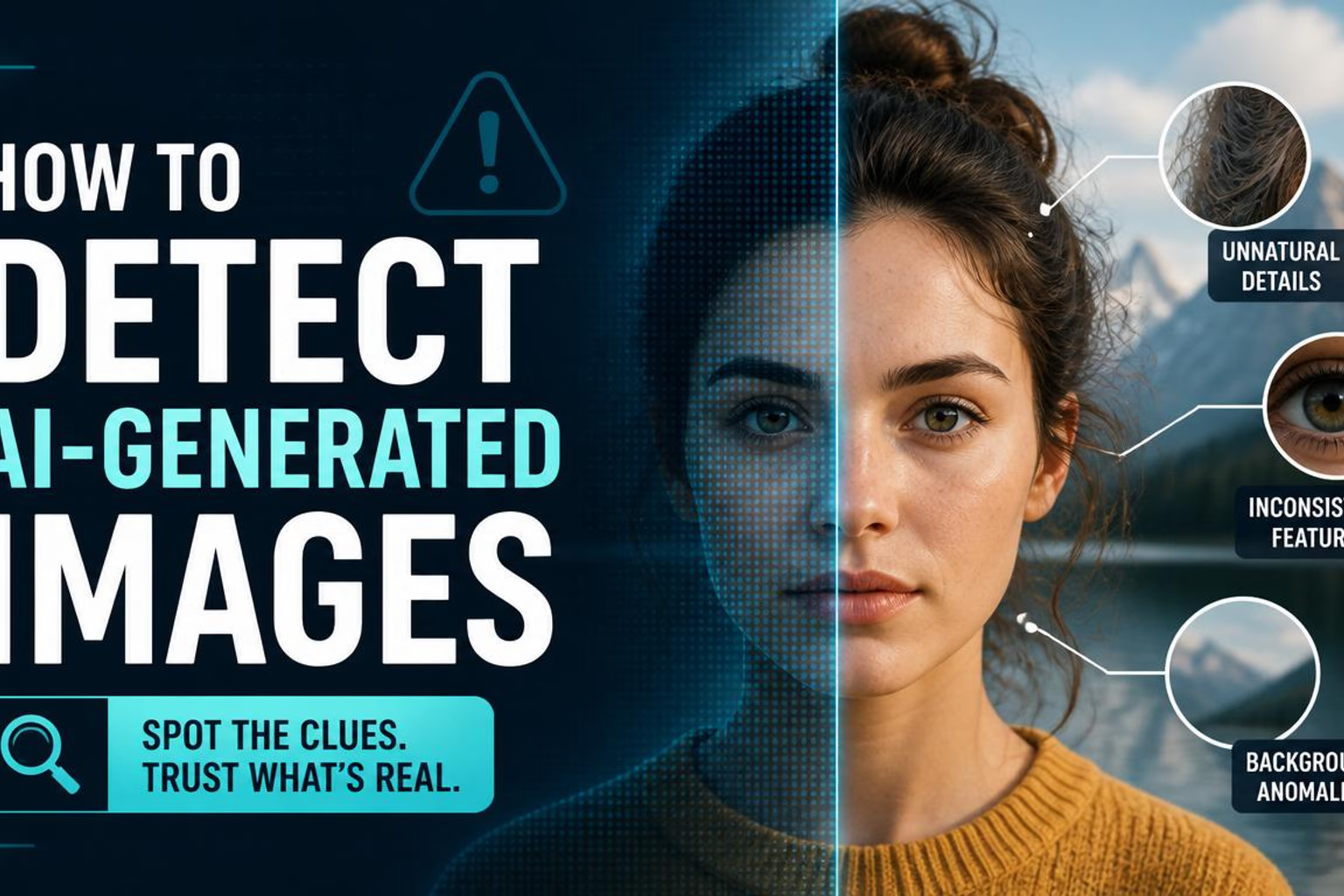
- Inspect the scene. Look for inconsistent reflections, lighting, geometry and contact points using the AI-image detection guide.
- Avoid relying on one classifier score. AI-image detectors can disagree and should not overrule stronger source evidence.
The key principle is simple: positive provenance can be evidence; missing provenance is not an acquittal.
Frequently asked questions
Can SynthID detect images made with ChatGPT or Midjourney?
Midjourney: no, its outputs do not carry SynthID. ChatGPT: possibly. Google lists OpenAI as a SynthID partner whose content the Detector covers, but a missing watermark still proves nothing.
Does “no SynthID detected” mean the image is real?
No. It only means that the check did not find a detectable SynthID watermark. The image could still be AI-generated by another system.
Can editing remove SynthID?
Google designs SynthID to withstand common transformations, but no watermark should be described as indestructible. The amount and type of editing matter, and a failed detection remains inconclusive.
Is SynthID the same as Content Credentials?
No. SynthID is an imperceptible watermark. Content Credentials use the open C2PA standard to provide signed provenance assertions and may use additional durability techniques. The two approaches can complement each other.
The honest conclusion
SynthID is a useful provenance signal, not a truth machine. When SynthID Detector or Gemini finds the watermark, you have meaningful evidence that supported Google AI — or a participating partner — was involved. When it finds nothing, you still need to investigate.
That limitation does not make SynthID useless. It makes correct interpretation essential. Combine watermark checks with Content Credentials, source tracing, reverse-image search and visual inspection. The future of media verification will probably use all of them rather than one perfect detector.
Primary sources
- Google DeepMind: SynthID overview
- Google: SynthID Detector opens to everyone (7 October 2026)
- Google: SynthID Detector announcement (May 2025)
- Google: image verification in the Gemini app
- C2PA: open provenance standard
- Content Credentials: verification and adoption
- Content Authenticity Initiative: durable Content Credentials