How to Write AI Image Prompts
The same AI model can produce a blurry mess or a stunning image — the only difference is the prompt. This guide covers prompt structure, style keywords, negative prompts and the most common mistakes, with real examples for DALL-E 3, Flux and Stable Diffusion.
The Anatomy of a Good AI Prompt
A well-structured prompt follows a consistent order that mirrors how AI models weight their inputs. Place the most important element first — models pay more attention to words at the start.
Who or what is in the image?
Be specific: "a red fox" works better than "an animal". Name breeds, species, ages, or expressions when they matter.
Where is the scene taking place?
Location names, environments and time periods all work well: "in a snowy forest", "on a Tokyo street at night", "inside a 19th-century library".
What is the visual language?
Medium (oil painting, watercolor, photo), mood (cinematic, dreamy, gritty), or artistic reference (in the style of Monet).
How is the scene lit and framed?
Lighting (golden hour, studio lighting, neon-lit), camera (wide angle, close-up, f/1.8 bokeh), quality (4K, sharp, highly detailed).
Full example
"a red fox sitting in a snowy forest,
hyperrealistic photograph,
soft morning light filtering through pine trees,
shallow depth of field, 4K"
Style Keywords That Actually Work
Style keywords are the fastest way to control the look of your output. Each one has a distinct visual fingerprint that the model reliably reproduces.
Photography & Realism
These push the model toward realistic rendering. "f/1.4 bokeh" reliably blurs backgrounds; "studio lighting" produces clean, commercial-grade light.
Painting & Illustration
The medium word alone changes the texture and rendering dramatically. "oil painting" adds impasto strokes and warm tones; "pen and ink" produces crisp linework with hatching.
Cinematic & Mood
"Cinematic" consistently produces deep shadows, desaturated tones and a widescreen feel. "golden hour" reliably adds warm orange light regardless of subject.
Negative Prompts: What Not to Generate
Negative prompts tell the model what to exclude. They are available in Stable Diffusion and many API-based tools, and are one of the most effective ways to fix recurring artifacts.
Common negative prompt
"blurry, out of focus, extra fingers, deformed hands,
watermark, text, logo, low quality, overexposed,
cartoonish, unrealistic"
DALL-E 3 and Flux do not expose a dedicated negative prompt field, but you can embed exclusions in your main prompt: "…, no text, no watermarks, sharp focus".
5 Common Prompt Mistakes
Being too vague
"a nice landscape" gives the model almost nothing to work with. Add location, time of day, weather and style: "a dramatic Norwegian fjord at dusk, stormy sky, long exposure, cinematic".
Stacking too many subjects
Prompts with 3+ distinct subjects often produce a confused composition. Pick one main subject and use the others as background or supporting elements.
Forgetting the style entirely
Without a style keyword, the model defaults to a generic semi-realistic look. Even a single word — "watercolor" or "cinematic" — makes a drastic difference.
Using abstract concepts as subjects
"the feeling of loneliness" is valid but unpredictable. AI models interpret abstract concepts freely — results vary wildly. Anchor abstractions to concrete visual metaphors: "a lone figure sitting at an empty table in a grey cafe".
Repeating the same keyword
Writing "very very very realistic" rarely works better than "hyperrealistic". Use a single stronger synonym rather than repeating a weaker word.
Do Prompts Work the Same on Every Model?
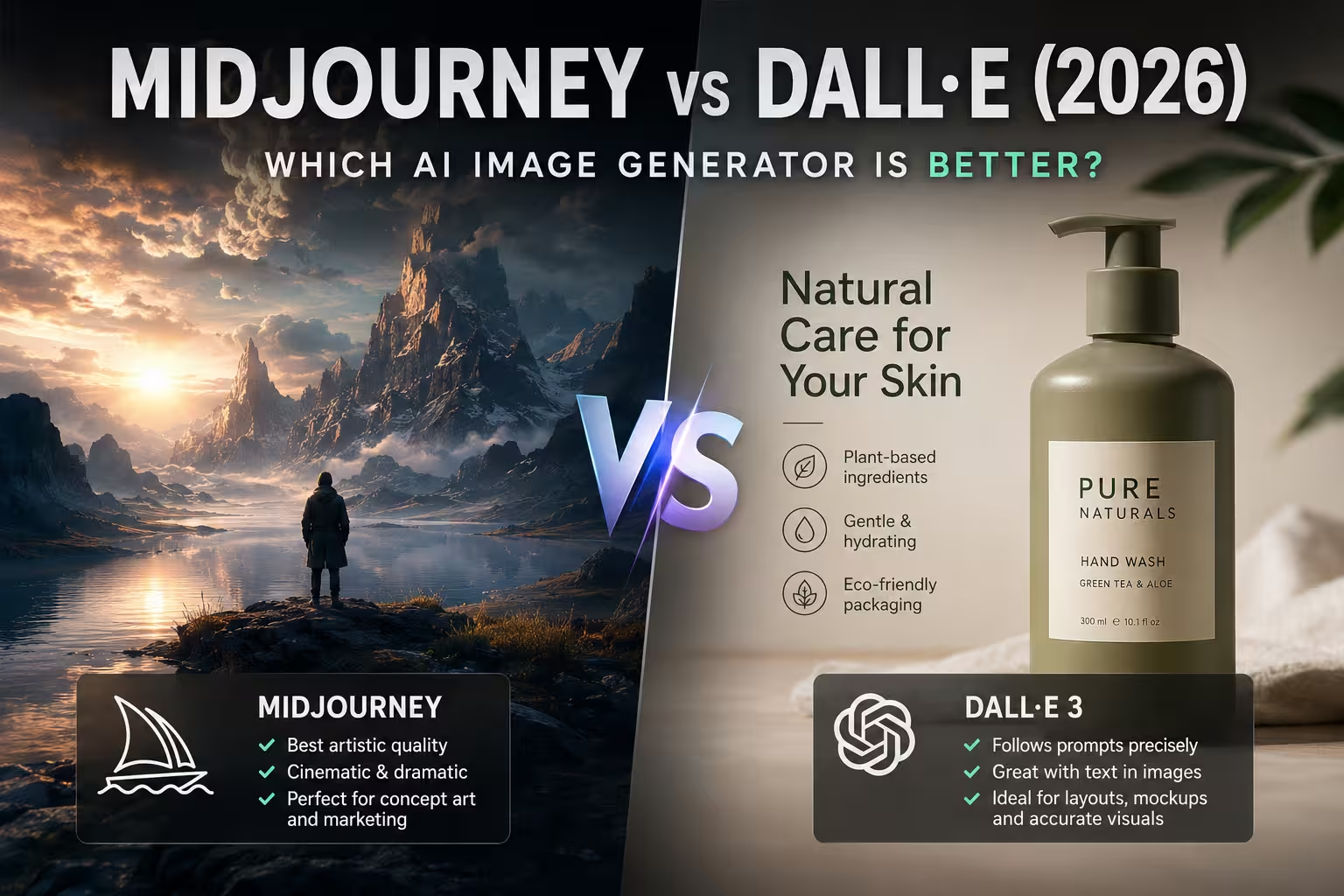
No — each model has its own interpretation of prompt language. DALL-E 3 (via ChatGPT) rewrites your prompt before generating, which means it sometimes overrides or expands your instructions. Write prompts here as clear natural language sentences.
Flux and Stable Diffusion respond well to comma-separated keyword lists and
are more sensitive to word order — front-loaded terms carry more weight.
Midjourney has its own parameter syntax (--style,
--ar) that goes beyond text alone.
The visual fingerprints — what "cinematic" or "golden hour" looks like — are similar across models, but the exact rendering style and quality differ significantly. Comparing model outputs side by side is the fastest way to build intuition.
Practice: Reverse-Engineer an AI Image
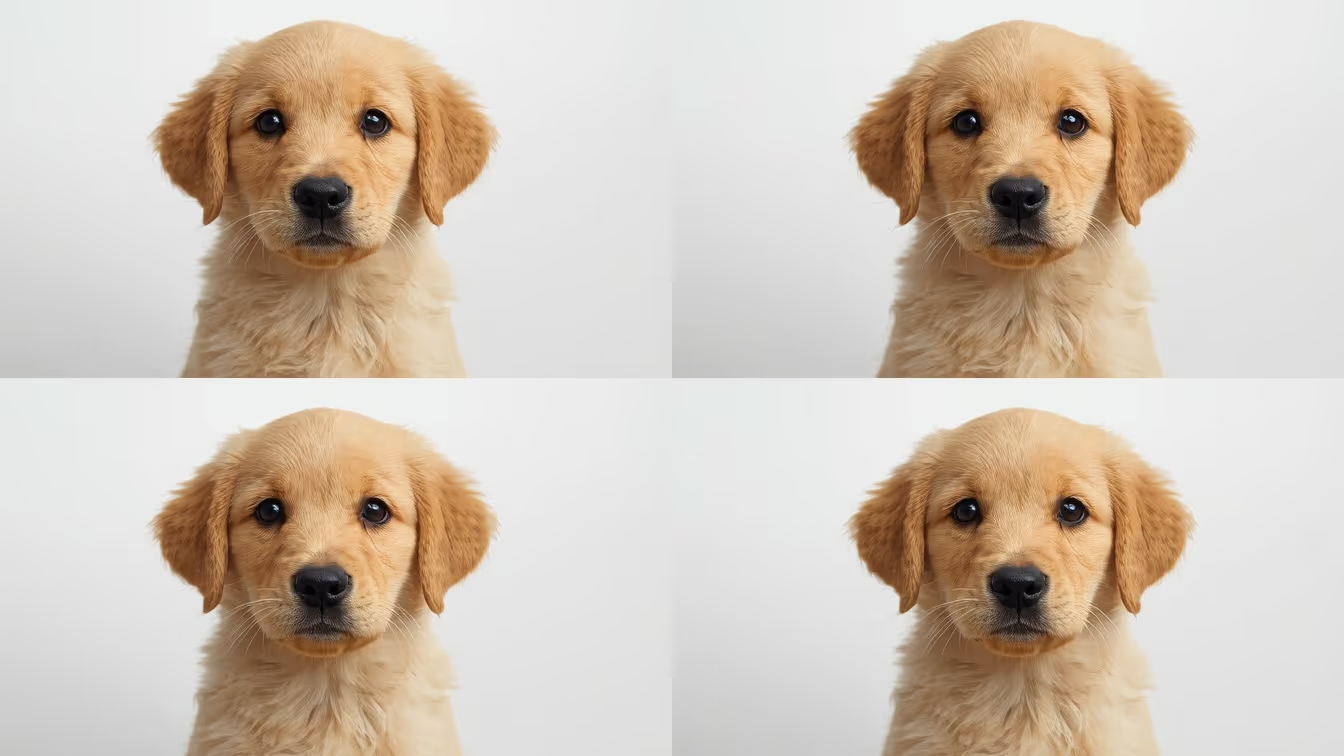
The best way to internalize prompt structure is reverse prompting — looking at a finished AI image and reconstructing the prompt from scratch. This forces you to notice exactly how visual elements map to words.
Frequently Asked Questions
How long should an AI image prompt be? ▾
For most models, 10–40 words is a good range. Short prompts give the AI more creative freedom but less control. Very long prompts can cause the model to drop some instructions. The sweet spot is enough detail to guide the output without overloading it.
Does the order of words in a prompt matter? ▾
Yes. Most models weight earlier words more heavily. Put your most important subject first, then style, then lighting and mood. Example: "a red fox in a snowy forest, hyperrealistic, soft morning light, shallow depth of field".
What is a negative prompt? ▾
A negative prompt tells the AI what NOT to generate — for example "blurry, extra fingers, watermark, text". Available in Stable Diffusion and many API tools. For models without a negative field, append exclusions to the main prompt: "…, no watermark, sharp".
How do I learn prompt writing faster? ▾
Look at AI images and try to reconstruct their prompts — a technique called reverse prompting. This forces you to notice how visual elements map to specific words. Our Reverse-Prompt Challenge is built around exactly this exercise.
Related Guides
Related
Which models turn these prompts into images, and how well the results hold up.