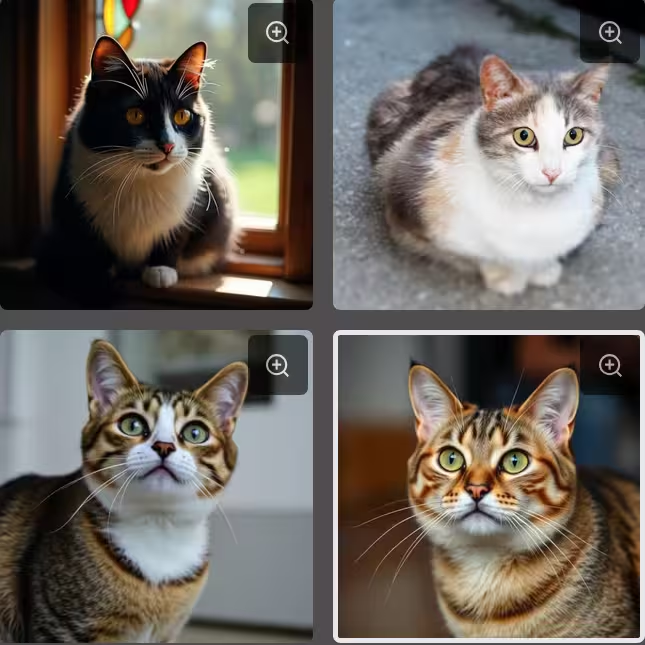
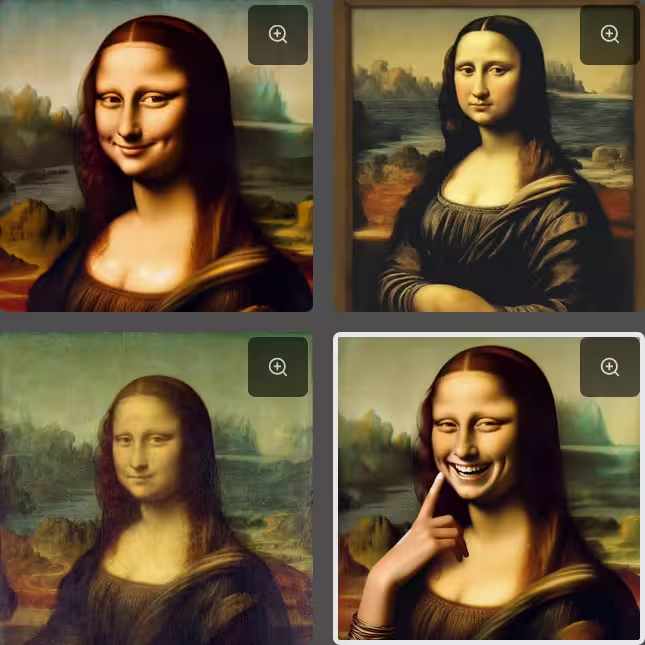
Real or AI Video Quiz
AI video generation is advancing fast — Kling 3.0, Sora 2, Seedance and more. Can you still spot the difference?


How the Video Quiz Works
Each round shows you two short video clips side by side — one is real footage, the other was generated by an AI model. Your job: tap the man-made (real) video.
After you answer, both videos keep looping so you can study what gave the AI away.
Which AI Video Models Are Used?
The quiz features state-of-the-art AI video generators:
- Kling 3.0 — Kuaishou's flagship model. Highly realistic motion for both animals and people.
- Seedance 1.5 Pro — ByteDance's model. Smooth, natural-looking human movement.
- Sora 2 — OpenAI's video model. Coherent scenes with realistic physics.
- Motion 2.0 — Leonardo AI's model. Cinematic framing and smooth motion.
Tips for Spotting AI-Generated Video
- Watch the edges — fur, hair, and fine details often shimmer or morph
- Check background movement — AI backgrounds can shift unnaturally or repeat
- Look at eyes — AI subjects sometimes have a glassy or too-perfect stare
- Notice motion physics — real subjects have weight; AI movement can feel floaty
- Check for looping artifacts — AI clips sometimes have a subtle seam at the loop point