
Best Free AI Image Generators in 2026
A curated list of AI image generators you can start using without paying. Some require a free account, others work without any signup at all. Compared by free limits, visible watermarks, login requirements, and the model behind each tool.
Last updated: March 1, 2026
Quick Comparison
| Tool | Model | Free Images | Visible Watermark * | Login |
|---|---|---|---|---|
 Bing Image Creator ↗ Bing Image Creator ↗ | DALL-E 2 / DALL-E 3 | 15 credits/mo ≈ 60 images | None* | Required |
 ChatGPT ↗ ChatGPT ↗ | DALL-E 3 | Limited (free plan) | None* | Required |
 Google Gemini ↗ Google Gemini ↗ | Nano Banana Pro | Free with Google account | Yes | Required |
 Adobe Firefly ↗ Adobe Firefly ↗ | Firefly Image Model 5 | Limited credits | None* | Required |
 Raphael AI ↗ Raphael AI ↗ | FLUX.1-Dev | Unlimited | Yes | Not required |
 Krea.ai ↗ Krea.ai ↗ | FLUX.1 | Unlimited | None* | Not required |
 DeepAI ↗ DeepAI ↗ | Stable Diffusion | Unlimited | None* | Not required |
 Craiyon ↗ Craiyon ↗ | Craiyon V3 | Unlimited | Yes | Not required |
* No visible watermark — but some tools may embed invisible metadata or AI content credentials in the file.
Example Outputs
All images generated with the same prompt: "A red fox sitting in a snowy forest, golden hour lighting, photorealistic"
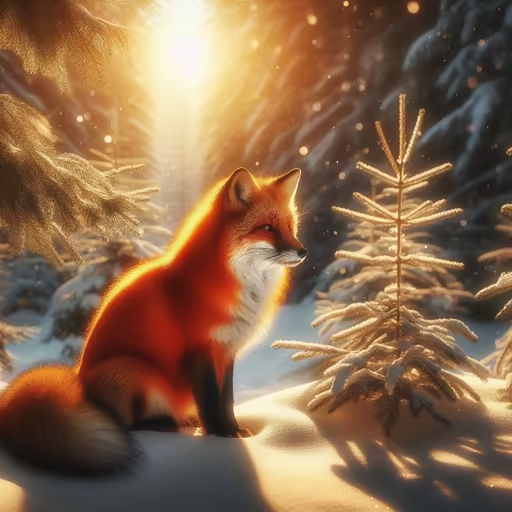 Bing Image Creator
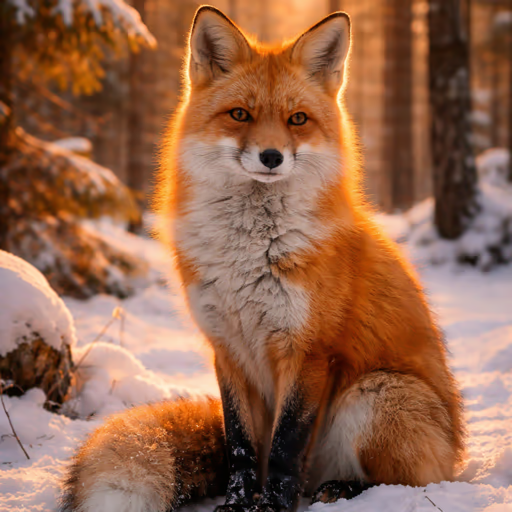 ChatGPT
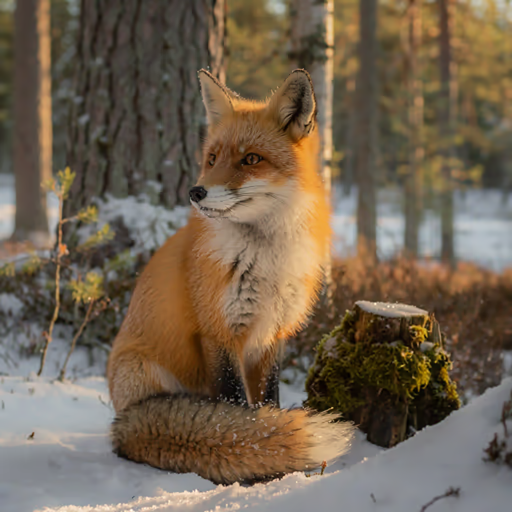 Adobe Firefly
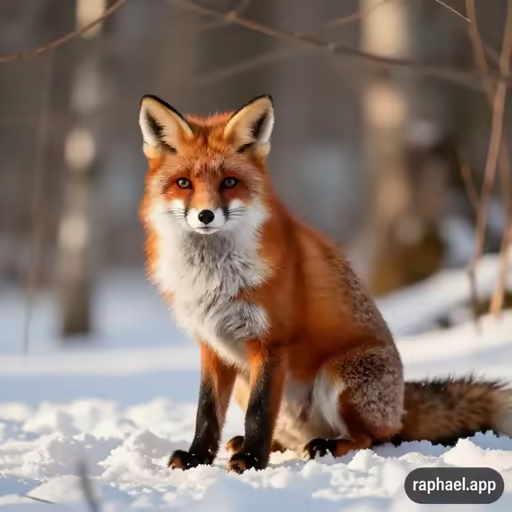 Raphael AI
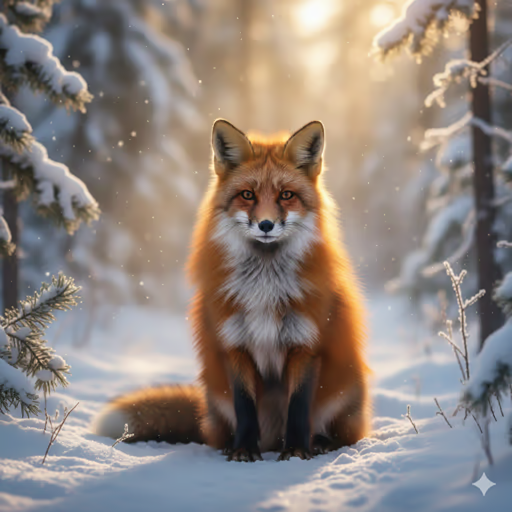 Google Gemini
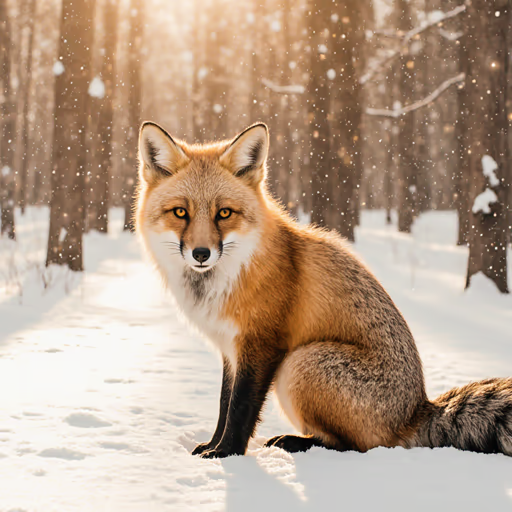 Krea.ai
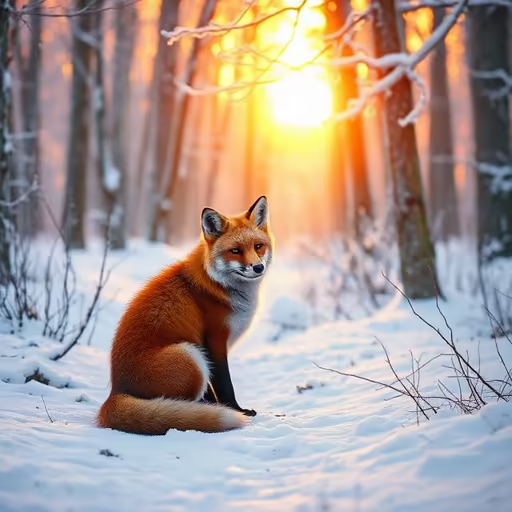 DeepAI
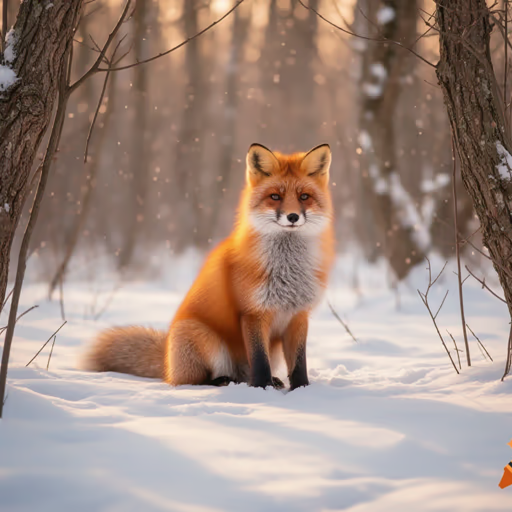 Craiyon
Free Image Limits Explained
Bing Image Creator allows 15 credits per month — each prompt generates up to 4 images, giving roughly 60 outputs. Adobe Firefly and ChatGPT offer a limited number of free generations before requiring a paid plan.
Raphael AI, Krea.ai, and DeepAI are completely free with no payment required — and none of them require a login. Craiyon also generates unlimited images from text with no login needed.
Google Gemini is available for free with any Google account, making it one of the most accessible options for users already in the Google ecosystem.
Watermarks
Google Gemini, Craiyon, and Raphael AI add a visible watermark to free-tier images.
All other tools — Bing Image Creator, ChatGPT, Adobe Firefly, Krea.ai, and DeepAI — produce watermark-free output on their free plans.
AI Models Behind Each Tool
Bing Image Creator runs on DALL-E 2 / DALL-E 3 — optimized for photorealistic compositions and realistic photo scenes.
ChatGPT uses DALL-E 3 with no visible watermark, making it one of the cleanest outputs in the free tier — limited by generation quota on the free plan.
Google Gemini uses Nano Banana Pro for image generation, integrated directly into the chat interface.
Adobe Firefly runs on Firefly Image Model 5 — one of the most powerful free-tier models, with built-in style controls.
Raphael AI uses FLUX.1-Dev — a high-quality open-weight model capable of both photorealism and artistic styles. Fully free, no login.
Krea.ai runs on FLUX.1 — same model family as Raphael AI, strong on photorealism. DeepAI runs on Stable Diffusion. Craiyon V3 produces more stylized, illustrative output.
Want to see more real examples of what these models produce? Browse AI-generated images by model →
Photorealistic vs. Artistic
📸 Best for Photorealism
- ChatGPT (DALL-E 3)
- Bing Image Creator (DALL-E 3)
- Adobe Firefly (Firefly 5)
- Raphael AI (FLUX.1-Dev)
🎨 Best for Creative / Art
- Craiyon (illustrations, pop art)
- Krea.ai (FLUX.1)
- Adobe Firefly (style selection)
- DeepAI (Stable Diffusion)
Also Worth Mentioning
These tools require a login and offer a limited number of free credits — good options if you need higher quality and are willing to create an account: